DaveRapoza
patreon
Hey!
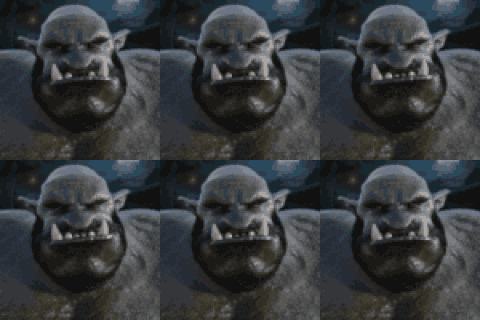
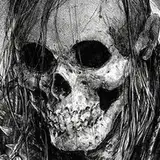
Hope you've been well! I worked this up today to see if I could take the approach from my Knuckles video process that was up on here and apply it to my current process working on illustrations like the ones I've been doing for Diablo IV. This one was relatively quick, around 3 hours, mostly focused on texture throughout and speed when it comes to the initial render. I think I lost a little too much of her original emotion but that's fine - this is more or less a study, the kind I try and do pretty often to make sure I'm testing my process and finding the most efficient way to work.
I'll have more posts up in the morning, gonna be dumping all of the comic pages, art process pieces and other posts I've been meaning to put up.
Thanks as always for your support!
Dave


Hi Dave, have you thought about sharing the files and process of the merman? That art, as well as the one of the goblin, turned out incredible.
I'm using the Wacom Cintiq Pro 32"
Can you tell me what tablet you are using at the moment?
I've run into that issue one time as well, I'm not sure how to avoid it. The way I got around it was saving individual layers in Krita as JPEGs/PNG when it did happen, thankfully I was working on normal layers so that worked but otherwise I don't know a workaround for it until they address the issue. That being said, I have reached out to them about that problem so hopefully someone patches that.
No, not bad quality, when I go back to work the textures in photoshop it can’t open the file again and display and error that says the file can’t be opened because is damaged
Bad quality?
Love it!!! nice work as always!
Always thankful for those. Really insightful. Looking forward for the monster/demon symmetric portrait!
Thank you Dave I’ve implemented your process in my work and it had helped me a lot between krita and photoshop. However, sometimes krita damage the psd file, do you know how can I avoid this?